
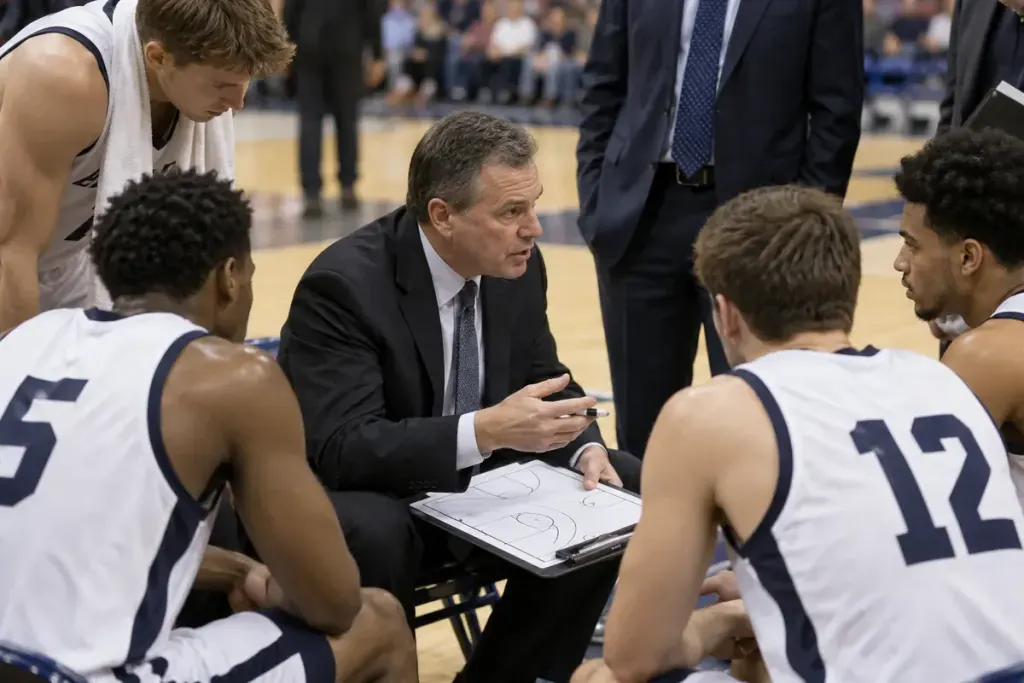
The teams return from a timeout, and the offence still has only a short time to shoot. That can be correct. A timeout pauses the game for an authorised interval; it does not automatically erase the circumstances that stopped play.
Keep three questions separate: how much game time remains, how much shot-clock time applies and where the restart takes place. The answers depend on the relevant rules and the event preceding the timeout.
Reconstruct the stoppage
Was the ball out of bounds, was there a foul, had possession changed or was the team entitled to an available timeout opportunity? Watch the officials’ signals and the table rather than assuming the timeout itself determines every reset.
The FIBA Official Basketball Rules 2026 treats timeouts, restarts and shot-clock operation in separate provisions. Use the edition and rules adopted by the competition you are watching; local leagues and other governing bodies may differ.
Watch the first pass after the break
A short remaining shot clock can explain an immediate shot or a quick action towards the basket. The play may look rushed because the offence is correctly working with the time left from before the stoppage.
In some late-game situations, the applicable rules allow a choice affecting the throw-in location and associated clock treatment. Do not generalise that option to every timeout in every period. Check the precise conditions before calling an official’s decision wrong.
For a viewing exercise, pause a replay just before the timeout and note possession, ball location, game clock and shot clock. Resume and compare the restart. If a number changed, identify the rule-triggering event rather than attributing it automatically to the coach’s request.
The practical lesson is simple: a timeout is part of the sequence of play, not a reset button for the entire possession. Reading the moments on both sides of it makes the next tactical choice much easier to understand.